 (Image via
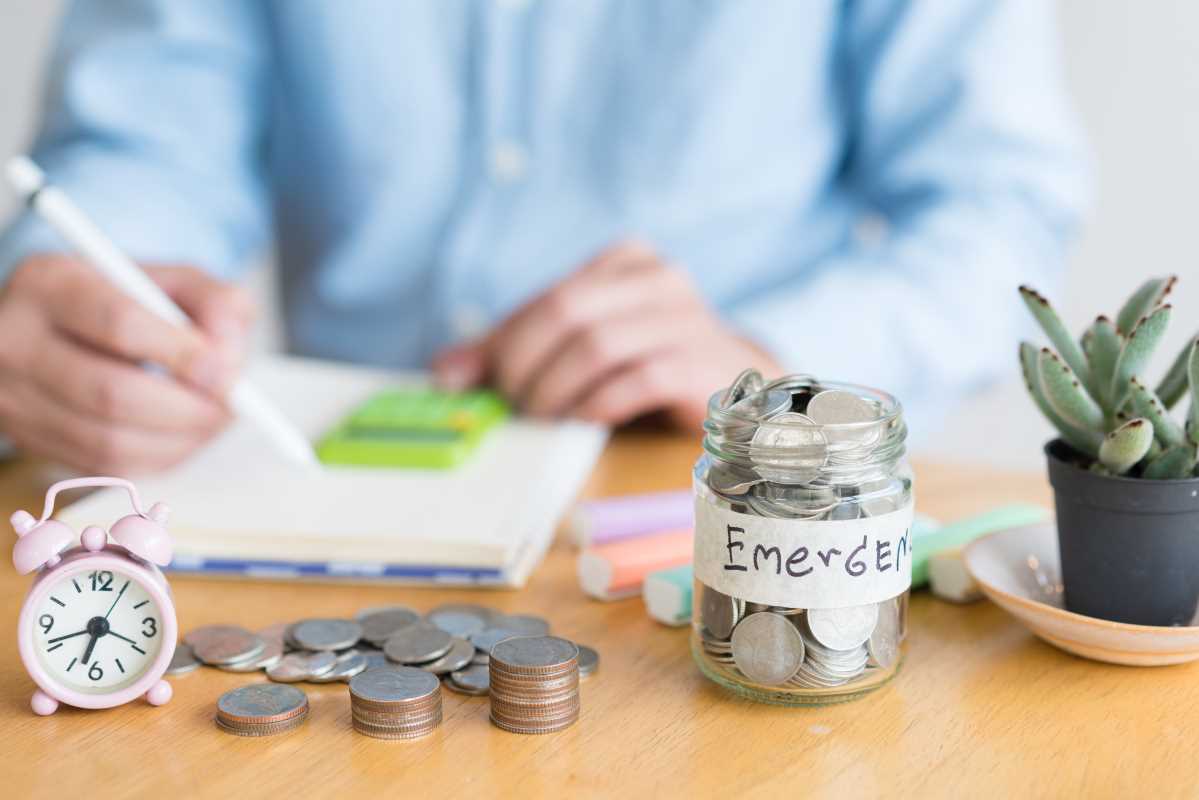
The classic envelope budgeting system has helped people manage their money for generations. Its magic lies in its simplicity: you divide your cash into physical envelopes labeled for specific expenses like groceries, rent, and entertainment. Once an envelope is empty, you stop spending in that category. This tangible method provides incredible clarity on where your money goes. But what happens when most of your transactions are digital? You can absolutely bring this powerful concept into the 21st century. This guide will show you how to adapt envelope budgeting for digital banking, so you can gain control over your finances with the convenience of modern tools. Let's get your digital house in order.
What Is Envelope Budgeting and Why Does It Work?
Envelope budgeting is a method that forces you to be intentional with your spending. By allocating a fixed amount of cash to each spending category at the start of the month, you create firm spending limits. The physical act of seeing the money in an envelope dwindle makes your financial reality impossible to ignore. It connects you emotionally to your spending habits.
This system is effective because it’s based on a zero-sum game. The money you have is finite. When you overspend on dining out, you must physically take cash from another envelope, like savings or groceries. This immediate consequence makes you think twice about impulse purchases and helps you stick to your financial goals. The modern challenge is to replicate this powerful psychological effect without using physical cash.
Setting Up Your Digital Envelope System
Transitioning to a digital system requires a bit of setup, but the long-term benefits of automation and convenience are well worth it. You have a few great options to choose from, depending on what your bank offers and what apps you prefer. The goal is to create separate digital "containers" for your money.
Option 1: Using Multiple Savings Accounts
Many online banks allow you to open multiple savings accounts for free and with no minimum balance. This is the most direct digital translation of the physical envelope system. You can create a separate savings account for each of your major spending categories.
To get started, list out your budget categories. You might create accounts named "Groceries," "Utilities," "Car Maintenance," "Vacation Fund," and "Fun Money." After you get paid, transfer the budgeted amount from your main checking account into each of these newly named savings accounts. This process "stuffs" your digital envelopes.
When you need to pay a bill or make a purchase, you simply transfer the money from the specific category account back to your main checking account right before you spend it. It's an extra step, but that small bit of friction forces you to be mindful of your spending, just like the original method.
Option 2: Leveraging Bank Sub-Accounts or "Pockets"
A growing number of modern banks and fintech companies have built digital envelope features directly into their platforms. These features might be called "Pockets," "Vaults," "Spaces," or "Goals." They function as sub-accounts within your main account, allowing you to partition your money without opening entirely separate accounts.
This is often the most seamless way to implement a digital envelope system. You can easily set up your categories, allocate funds with a few taps, and often spend directly from these pockets using your debit card. Check your bank's app to see if they offer this functionality. If you're looking for a new bank, this is a fantastic feature to prioritize in your search.
Option 3: Using Dedicated Budgeting Apps
Budgeting apps like YNAB (You Need A Budget), Goodbudget, or Ally Bank's "Buckets" feature are specifically designed for this method. These apps connect to your bank accounts and let you create virtual envelopes for all your spending categories.
With these apps, you assign every dollar you earn to a specific job (or envelope). When you make a purchase, you categorize the transaction, and the app subtracts the amount from the corresponding virtual envelope. The app’s interface clearly shows you how much you have left in each category at a glance. Goodbudget is particularly popular because it is designed around the envelope system, even allowing you to share envelopes with a partner.
A Step-by-Step Guide to Your First Digital Envelope Budget
Ready to give it a try? Here’s a simple plan to get your new system up and running.
Step 1: Track Your Spending and Create Categories
You can't create a budget without knowing where your money is currently going. Spend a month tracking every single expense. Review your bank and credit card statements to get a realistic picture of your spending habits.
Once you have this data, group your expenses into logical categories. Start with the essentials:
- Housing (Rent/Mortgage)
- Utilities (Electricity, Water, Internet)
- Groceries
- Transportation (Gas, Public Transit)
- Debt Payments (Student Loans, Credit Cards)
Next, create categories for your variable spending and savings goals:
- Dining Out
- Entertainment
- Personal Care
- Savings
- Vacation Fund
Step 2: Set a Budget for Each Category
Using your tracked spending as a guide, decide how much money to allocate to each category per month. Be realistic. If you try to cut your grocery budget in half overnight, you are setting yourself up for failure. The goal is to create a plan you can actually stick with.
This is where the zero-based budgeting principle comes in. Your total income minus all your allocated envelope amounts should equal zero. This ensures that every single dollar has a purpose.
Step 3: Fund Your Digital Envelopes
As soon as you receive your paycheck, it’s time to "stuff" your digital envelopes. Log into your bank account or budgeting app and transfer the budgeted amounts into their designated accounts, pockets, or virtual categories.
Automating this step can be a game-changer. Set up recurring transfers to happen on your payday. This removes the temptation to spend the money before you’ve had a chance to budget it. You pay your goals first and live on the rest.
Step 4: Spend Mindfully and Track Everything
This is where your new habit comes to life. Before you make a purchase, check the corresponding digital envelope. Do you have enough funds? If so, you’re good to go. If not, you have a choice to make: either you don't make the purchase, or you move money from another category.
This decision-making process is the core of the envelope system. It makes you confront your priorities in real-time. Moving money from your "Vacation Fund" to cover another night of takeout has an immediate, visible impact on your long-term goals, making the trade-off clear.
Tips for Success with Your Digital System
Adapting to a new budgeting method takes time. Here are a few tips to help you succeed.
- Start Small: You don’t have to create 30 envelopes on day one. Start by creating digital envelopes for 3-5 categories where you tend to overspend, like dining out or shopping.
- Be Flexible: Your first budget won't be perfect. Life happens. You might have an unexpected car repair or a medical bill. It's okay to adjust your allocations. Review your budget each month and make changes as needed.
- Involve Your Partner: If you share finances with a partner, it’s crucial to get on the same page. A digital envelope system can be a fantastic tool for couples. It makes financial conversations transparent and removes the emotion from tracking shared expenses.
- Give Yourself Some Fun Money: A budget shouldn't feel restrictive. Create an envelope for guilt-free spending. This "Fun Money" or "Blow Money" category gives you the freedom to buy a coffee or a new book without derailing your entire budget.